Privacy
The website
The website does not require an account. It does not use advertising pixels, analytics scripts or marketing cookies. It stores your light or dark appearance choice in local storage when your browser allows it.
If you email us, your message and email address are handled by your email provider and by the people responding to you. Please do not include a vault pattern, recovery phrase or unredacted private files in a support message.
The iPhone app
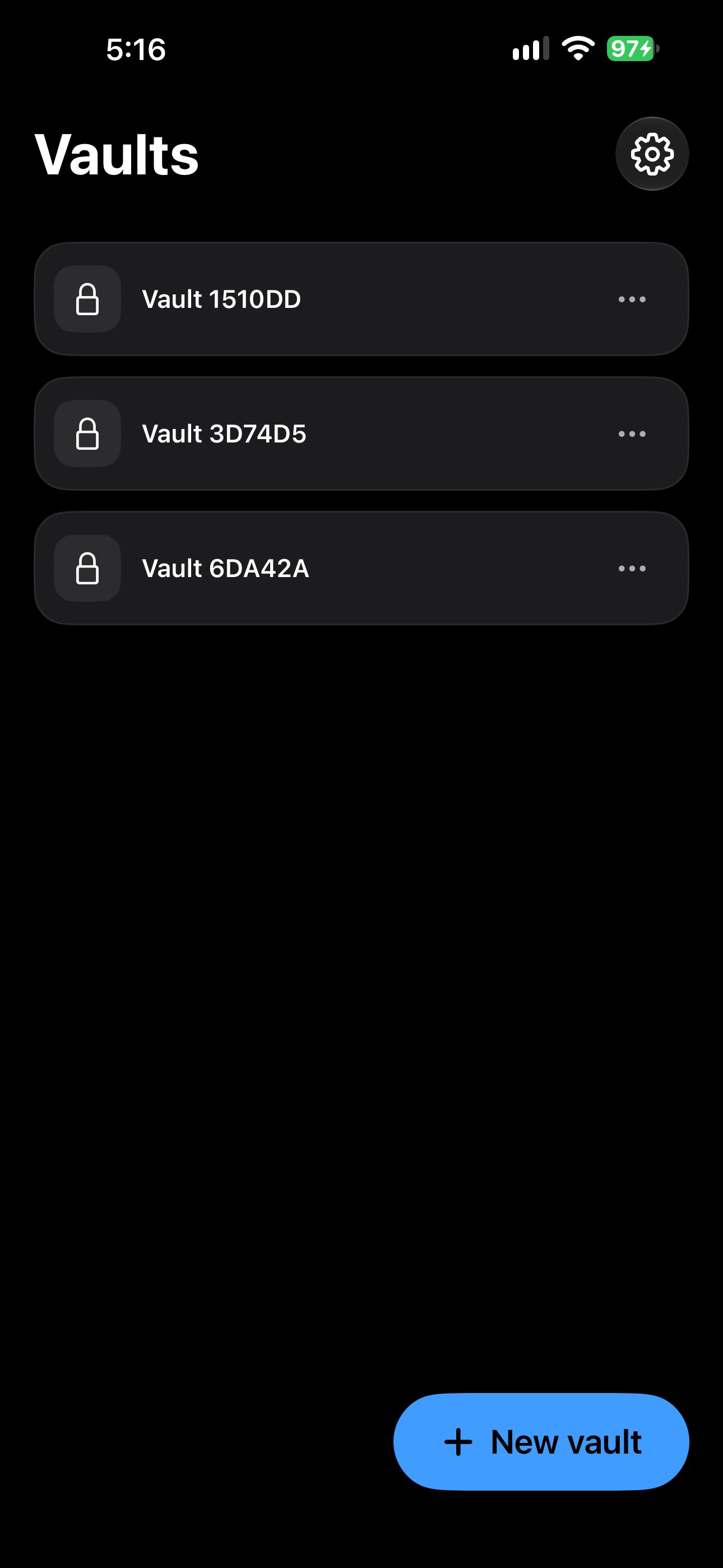
Local vault contents, filenames and thumbnails are encrypted on the iPhone. The app does not need a Vaultever account to create or open a local vault. Support cannot reset a forgotten pattern or recover an unsaved recovery phrase.
The current build uses Firebase Crashlytics for crash reporting. Reports may include device and app diagnostics. You can turn off Share crash reports in Settings; unsent reports are deleted when it is turned off.
Photos, files and originals
Vaultever requests access to Photos or Files only when you choose to import media. Importing creates an encrypted copy inside a vault; it does not delete the original from Photos or Files. You remain responsible for reviewing originals, Recently Deleted folders and synced copies separately.
Exporting an individual photo or file creates a readable copy outside the vault. Treat exported files as ordinary files and protect them accordingly.
Backups and recovery
Local vaults do not require iCloud. Encrypted app data may still be included in device backups according to your iPhone settings. Vaultever also supports an encrypted full-vault backup file when you have saved the vault’s recovery phrase.
A recovery phrase is a way to unlock an existing vault or restore an encrypted backup; it cannot recreate files that were deleted. Keep the phrase and backup in separate, safe places.
Service providers
The website is hosted by a third-party provider that may process the technical information needed to deliver a page. The app uses Apple system services for Photos, Files, device security and app distribution, and may use Firebase Crashlytics for crash reports.
The app does not send vault contents, vault patterns or recovery phrases to these services.
Questions or privacy requests
Email contact@vaultever.app with the subject Privacy. Do not send secrets or private files.